

Sciatica: nerve compression or chemical irritation?
29/07/2026
Sciatica Treatment in Montreal: When to Consider a Mechanical Approach
30/07/2026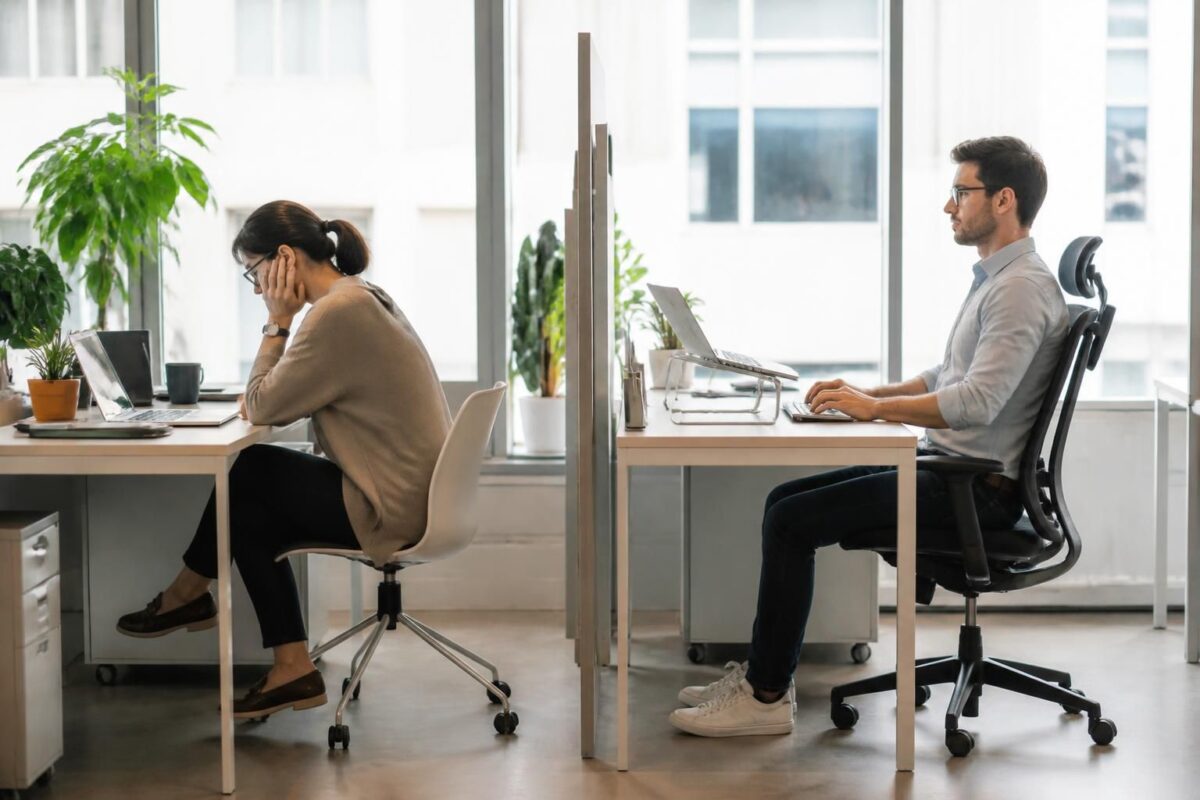
IN BRIEF
| Sciatica and the workplace refers to pain that starts from the lower back and follows the path of the sciatic nerve, aggravated by inappropriate postures at the office or at home. In short, good ergonomics and simple actions can help limit pain and prevent relapses. The main benefits are improved comfort, a reduction in pain, and regained productivity. The approach relies on concrete actions: prioritize a chair with lumbar support, align the screen at eye level, keep feet flat, take regular breaks every 30 to 45 minutes, and change postures. Complement this with simple movements and gentle physical activity to optimize recovery and prevent recurrences. |
- Staying sitting too long without lumbar support and on an appropriate chair, which increases pressure on the lumbar discs.
- Working on a soft couch or a non-ergonomic seat, which promotes pelvic sagging and harmful curvature of the back.
- Adopting a hunched posture and a misaligned back, increasing tension on the sciatic nerve.
- Crossing legs or leaning asymmetrically, leading to a twisting of the spine.
- Staying standing still for long periods, putting heavy strain on the lumbar muscles and discs.
- Lifting loads with a rounded back; favoring a straight back and bent knees, keeping the load close to the body.
- Neglecting regular breaks and position changes; alternating support every 30 to 45 minutes.
This guide written by a health professional expert addresses common mistakes at the workplace that worsen sciatica. It identifies postures to avoid, explains the simple mechanisms behind the pain, and offers concrete ergonomic adjustments to limit flare-ups and improve comfort at both the office and home. The objective is to promote a work organization that respects the spine and reduces pressure on the sciatic nerve, without resorting to complex exercises.
Errors Related to Sitting
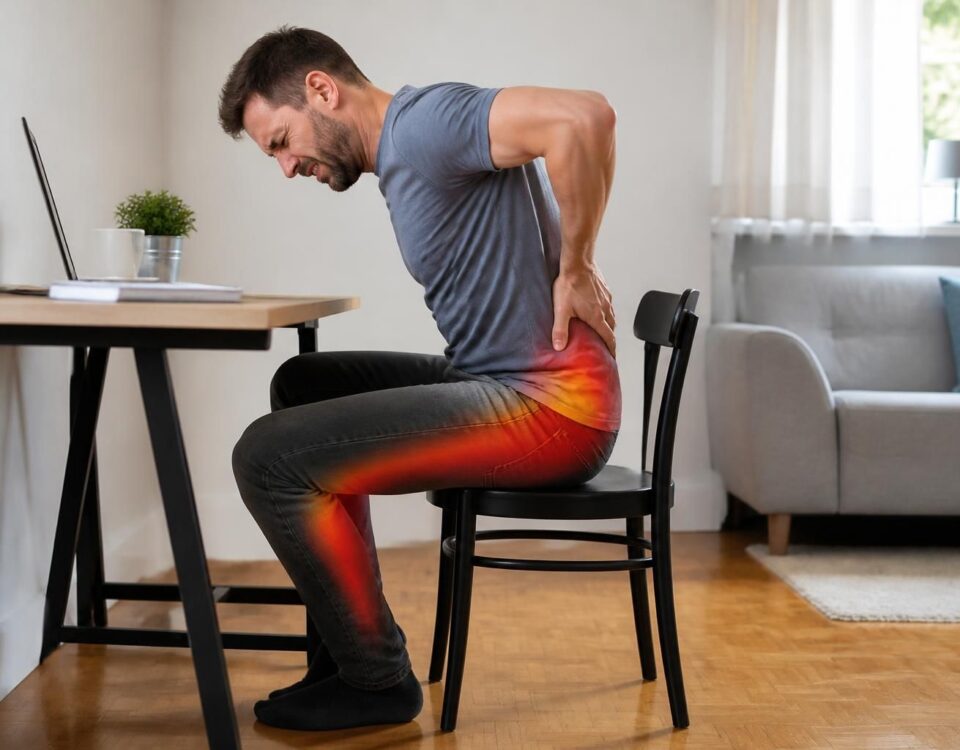
Prolonged sitting without lumbar support increases pressure on the lumbar discs and can amplify pain. To avoid this, prioritize an adjustable chair with suitable lumbar support and keep your feet flat on the ground. Take active breaks every 30 to 45 minutes and avoid overly deep or soft seats that cause the pelvis to tilt backward. A small lumbar cushion can be used if pain occurs, to maintain a natural lordosis and back alignment.
If you already feel pain after a work period, check the orientation of the screen and the position of the keyboard to limit tension on the neck and lower back. To understand the signals sent by the leg and better identify triggering factors, refer to this guide on leg signals.
Errors Related to Body Posture During Tasks
Twisting and asymmetric positions increase tension on the spine and can exacerbate pain. Avoid crossing legs for long periods and favor a symmetrical position with the pelvis aligned. Keep the back straight and avoid repetitive motions that excessively strain the sciatic nerve. If you need to bend to pick up an object, bend your knees and keep your back straight.
For practical advice tailored to the professional setting, explore the resources available on Sciatica at work – ergonomics at the office and Cliniq TAGMED.
Errors Related to Standing Position and Daily Actions
Remaining standing without moving for long periods, or carrying loads without bending the knees, increases strain on the lumbar muscles and intervertebral discs. Alternate support, keep one foot slightly elevated on a step, and avoid keeping weight on one leg for too long. When lifting, keep your back straight, bring the load close to the body, and bend your knees instead of your back.
For specific advice in the professional environment, you can refer to Position mistakes in sciatica at work and Positions to avoid according to osteopaths.
Good Practices to Adopt Daily
Incorporate active breaks and micro-movements throughout the day. Move, walk, and change position regularly to limit repeated tension on the sciatic nerve. If you experience persistent pain, don’t hesitate to consult a health professional and use ergonomic tools suitable for your workstation. Useful resources are available from neurovertebral decompression and health and prevention of cervical tensions.
Management of the Workspace and Bedding
Adjust your workstation so that the screen is at eye level, the keyboard and mouse are close to the body, and the backrest supports the lower back. For sleep, prioritize suitable bedding and a pillow that supports spinal alignment. Night situations can influence daytime pain; when in doubt, consult a specialist rather than pushing stretching.
In cases of significant pain or warning signs, a specialized assessment may be necessary. You can also learn about the limits of imaging and signs that require special attention through sciatica and imaging.
To quickly locate available care options near you, you can refer to resources related to disc hernia and the resources of TAGMED Montreal or Terrebonne.
To understand the limits and roles of interventions compatible with the professional framework, also refer to the following resources: joint and leg signals, hosting disc pathologies, and behaviors to adjust when stretching worsens pain.
For advice on the proposed care framework, you can also refer to resources related to specialized clinics such as TAGMED Montréal or TAGMED Terrebonne.
This content does not replace a personalized medical assessment. For any doubt or unusual symptom, contact your doctor or a licensed osteopath.
Medical disclaimer: The information and advice provided on this site do not replace the opinion, diagnosis, or treatment of a healthcare professional. Please note that Dr. Sylvain Desforges, osteopath, is neither a medical doctor nor a physician, and is not a specialist in a medical specialty as defined by the Collège des médecins du Québec. Manual medicine, functional medicine, and sports medicine as described on this site exclude any medical treatment or diagnosis made by a physician or specialist. Always consult your doctor for any medical questions. For more details, please read our full Legal Notice.
.erreurs-sciatique-travail .two-columns { display: flex; gap: 28px; }
.erreurs-sciatique-travail .col { flex: 1; }
.erreurs-sciatique-travail ul { margin: 0; padding-left: 20px; }
.erreurs-sciatique-travail li { margin-bottom: 8px; }
@media (max-width: 800px) { .erreurs-sciatique-travail .two-columns { flex-direction: column; } }
Sciatica and workstation: common mistakes to avoid

This article aims to help you recognize common mistakes at the workstation that can worsen sciatica and to propose simple and effective adjustments to prevent daily pain. By modifying posture, organization, and movements, you can reduce pressure on the sciatic nerve and improve your comfort at the office.
Common mistakes to avoid at the office
Sitting too long on a chair without lumbar support or with an ill-fitted chair increases pressure on the lumbar discs and can amplify pain. Also avoid crossed legs and positions that compress the lower back, as they unbalance the pelvis and strain the sciatic nerve.
The position of the screen and head also matters: a screen that is too low or too high may cause you to tilt your neck and round your back, worsening lumbar compression and nerve irritation.
A soft sofa or a seat without support can lead you to adopt a “couch potato” posture, with a rounded lower back and a pelvis tilted backward, which causes additional pain after a few hours.
Remaining still on one leg or standing without moving for long periods can increase lumbar pressure and amplify discomfort, especially during repetitive tasks or queues. These behaviors limit the natural decompression of the nerve and maintain irritation.
Good practices to prevent aggravation
Proper seating
Prefer a adjustable chair with good lumbar support and feet flat. Position the pelvis straight and the back aligned, with knees bent roughly at 90 degrees. If necessary, place a small lumbar cushion for additional support and avoid sitting for more than an hour without moving.
Breaks and movement
Plan for regular breaks every 30 to 45 minutes to get up, walk, and perform some neutral stretches. Even short micro-breaks help reduce pressure on the nerve and promote better recovery.
Workstation adjustments
Adjust the height of the screen so that your gaze stays straight and the top of the screen is at eye level. Place the keyboard and mouse nearby, with forearms close to the body and elbows near the body, to limit tension in the back and shoulders.
Arrangements and gestures to adopt
Useful accessories
Use a footrest if necessary to stabilize the feet and encourage a neutral posture. A cushion or small lumbar wedge can help maintain the natural curvature of the spine and prevent tension build-up in the lower back.
Daily gestures
Adopt a mindful approach: don’t bend over with a straight back and stiff knees. Keep your back straight, shoulders relaxed, and feet flat. Alternate positions and distribute weight between both feet when you have to stand, ensuring to bend your knees and keep your back aligned.
Additionally, a height-adjustable desk can promote the transition between sitting and standing, reducing repeated mechanical stress on the sciatic nerve throughout the day.
| Common Mistake | Effect and Quick Solution |
|---|---|
| Prolonged sitting without lumbar support | Increases pressure on lumbar discs; correct with lumbar support and breaks every 30–45 minutes |
| Crossover legs or twists | Encourages twisting and pressure on the nerve; keep feet flat and pelvis aligned |
| Sleeping on the stomach | Exacerbates lumbar lordosis; prefer back or side with <strong Pillow under knees |
| Too soft sofa | Pelvis tilted and spine rounded; prefer a chair with backrest and straight back |
| Carrying without bending the back | Increases pressure on discs; adopt bent knees, straight back and load close to the body |
| Working without lumbar support | Increased lumbar tension; opt for an ergonomic chair and a lumbar cushion |
| Misaligned screen | Stooped posture and back tension; place the screen at eye level and align the torso |
| Prolonged standing still | Risk of lumbar overload; alternate supports and move every 15–20 minutes |
Testimonials: Sciatica and Workstation — Common Mistakes to Avoid
“Amandine, 41, medical secretary: at my workstation, I tended to sit for hours on a chair without lumbar support. My back slouched, and the sciatic pain radiated from my lower back down to my leg. I replaced it with an adjustable chair with lumbar support, kept my feet flat, and scheduled regular breaks every 30 minutes. Result: the pain decreased and I can work without continuous tension.”
“Thomas, 34, developer: my workstation was poorly configured: the screen at eye level and a head that leaned forward forced me into a crooked back. This common mistake contributed to pain extending down to my foot. I corrected it by installing a properly positioned screen, an adjustable chair, and keeping my back straight, with breaks every 30 minutes. Since then, my pain has significantly decreased and my concentration has improved.”
“Sophie, 28, freelance graphic designer: I often sat on chairs without backs and with crossed legs, which put excessive pressure on the sciatic nerve. This common mistake was corrected by adopting a chair with a back, a lumbar support, and regularly interrupting my positions to stand up. With these adjustments to my workstation, I feel less pain and more fluidity in my creative days.”
“Marc, 56, logistics manager: my worst habit was standing for long stretches without movement, especially during preparations and internal queues. This repeated strain aggravated the sciatic pain. I learned to alternate supports, keep my back straight, and my knees slightly bent, and to use a small footrest to vary positions. Furthermore, I take micro-breaks to walk and stretch. Today, the workstation feels more ergonomic and the pain is better managed.”
Dr. Sylvain Desforges, expert in osteopathy, naturopathy, and manual medicine, is at the helm of TAGMED clinics as founding president and also leads the ACMA association. His career is dedicated to innovation in healthcare, with a marked specialization in management of chronic pain and the integration of advanced technologies to optimize patient health and well-being. In his approach, he combines scientific rigor and pragmatism, particularly around sciatica, the workstation, and daily actions that directly influence pain and recovery.
For Dr. Desforges, sciatica is not just an isolated injury but the result of repeated mechanical stress in the work environment. Common mistakes at the workstation are, in his view, major triggers of painful flare-ups: chair without lumbar support, slouched position, crossed legs, inadequate desk setups, and prolonged standing without movement. Through a personalized assessment, he offers simple yet effective adjustments: a lumbar support, a screen at eye level, active breaks every 30 minutes, and targeted micro-exercises to prevent repeated nerve irritations. With this framework, every professional can transform their workspace into an ally for recovery.
In his practice, Dr. Desforges does not limit himself to prescribing postural advice: he incorporates cutting-edge technologies like spinal decompression, laser therapies, and shockwave therapy, when relevant. This evidence-based approach aims to reduce pressure on the sciatic nerve, modulate inflammation, and accelerate the return to activity. Protocols are personalized according to individual needs, whether at the office or on-site, to prevent chronicity and maintain mobility in daily life.
In the workplace, he recommends a synergy between ergonomics, adapted physical activity, and postural hygiene. His key message is simple: move regularly, distribute weight between both feet, and secure the lower back with every daily action. The prevention programs, ergonomic assessments, and postural rehabilitation options provided by his team aim to reduce sick leave and improve employee comfort while sustainably increasing productivity and quality of life.
Dr. Desforges’ journey illustrates an invitation to act now: by relying on clear data, professional support, and appropriate tools, everyone can reduce the risks of recurrence and enhance well-being. To learn more about his approach and the services available at TAGMED clinics, contact them and schedule a personalized consultation to sustainably transform your approach to the workstation and sciatica.
Quick summary: this article highlights common mistakes at the workplace that exacerbate sciatica and offers simple actions and ergonomic adjustments to avoid them. By prioritizing an appropriate seating position, a neutral posture, and regular active breaks, you reduce pressure on the sciatic nerve and improve your daily comfort.
Recurring errors at the workplace: poor seating, lack of lumbar support, and repetitive movements can quickly maintain or worsen pain. Sitting for too long without proper support, slumping on a soft couch, or adopting torso twists are common causes of painful flare-ups. To avoid these pitfalls, choose an adjustable chair with lumbar support and avoid positions that compress the lower back or overly strain the sciatic nerve.
Good practices and simple corrections: start by positioning the screen at eye level, keeping your feet flat, and your back straight. Use a small lumbar cushion and take active breaks every 30 to 45 minutes to alternate postures and gradually relieve the spine. For more detailed recommendations on positions to avoid and movements to favor, consult specialized guides like Sciatica: positions to avoid or Sciatica: postures to avoid.
Workstation organization and ergonomic tools: adjust your space with an ergonomic chair, position the keyboard and mouse close to your body to limit twisting and bending, and ensure that the screen is aligned with your line of sight. For additional and personalized advice, explore resources dedicated to ergonomics and workspace adjustments on the following pages: Sciatica: position to avoid, Sciatic pain: avoid hasty decisions, and Sciatica: position to avoid.
Daily habits and prevention: integrate micro-breaks, favor gentle physical activity, and work on back mobility with the help of a physiotherapist if necessary. Prevention involves simple and repeated actions, such as lifting your gaze and keeping your back straight, walking for a few minutes, and alternating supports. For practical advice on daily adaptation and preventing recurrences, consult specialized resources like Sciatica: postures to avoid and Sciatica in Montreal: difference between temporary relief and sustainable strategy.
Alert signals and medical follow-up: if the pain intensifies at rest, if you lose strength in a leg, or if urinary or fecal issues arise, consult a professional promptly. A proper evaluation may include orthopedic or physiotherapeutic advice or, if necessary, medical imaging to adjust the treatment plan and prevent worsening. For tailored solutions and protocols, feel free to turn to specialized resources like Non-invasive and personalized treatment.
More broadly, optimizing the workstation and adopting good habits remain the most effective levers to limit flare-ups and promote sustainable recovery. For additional advice and customized scenarios, explore dedicated guides and expert recommendations, and do not hesitate to seek an ergonomic assessment to adjust your professional and domestic environment according to your specific needs.
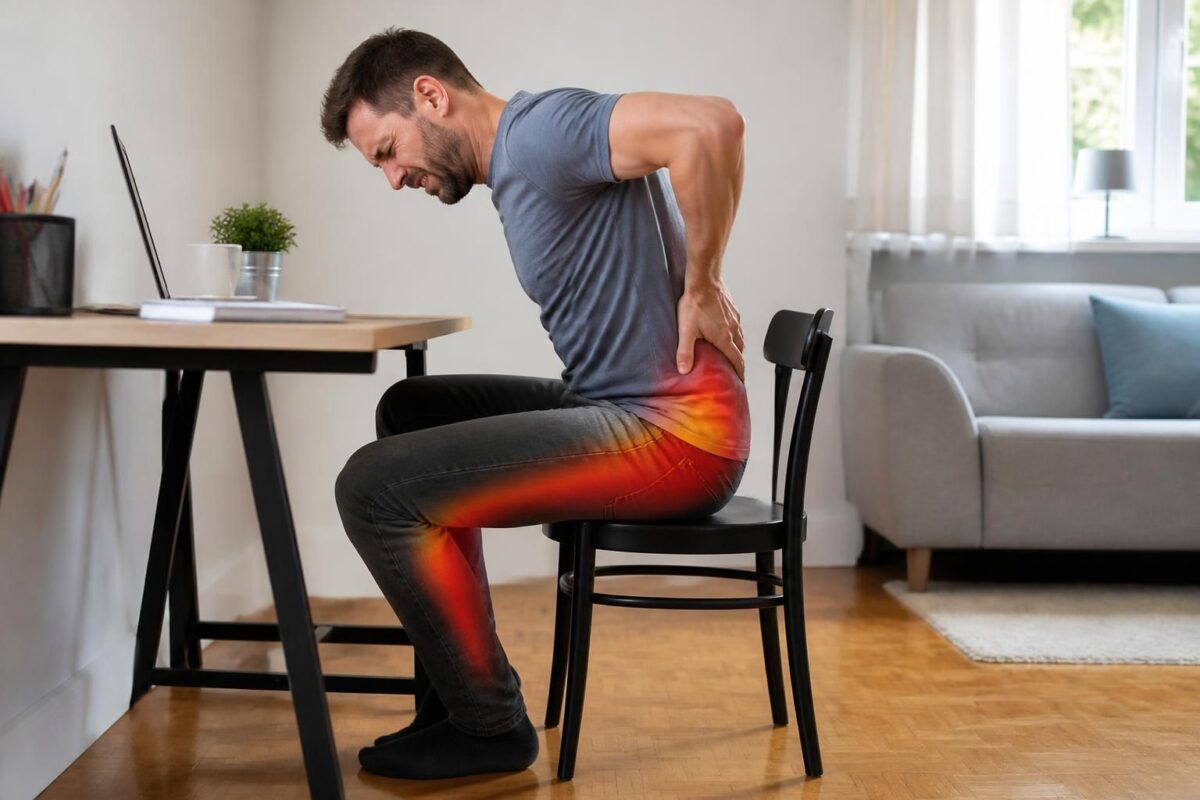
Sciatica and too low seat: lumbar pain and irradiation
IN BRIEF In brief, sciatica with lower back pain and radiation is pain that follows the path of the sciatic nerve, originating from the lower back and radiating to the buttock and leg, often due to irritation or compression of…

Sciatica and overly inclined car seat: possible effect
IN BRIEF In brief, the link between sciatica and a car seat that is too inclined can worsen pain due to an inadequate posture and increased compression of the sciatic nerve. What is this phenomenon? It is a decrease in…

Sciatica and car seat: why tilt matters
IN BRIEF In brief, car seat sciatica refers to pain related to the sciatic nerve exacerbated by poor seat tilt and vibrations that compress the nerve roots and degrade the lumbar lordosis. It is important to adjust the tilt and…

Sciatica and getting into the car: avoiding sudden twists
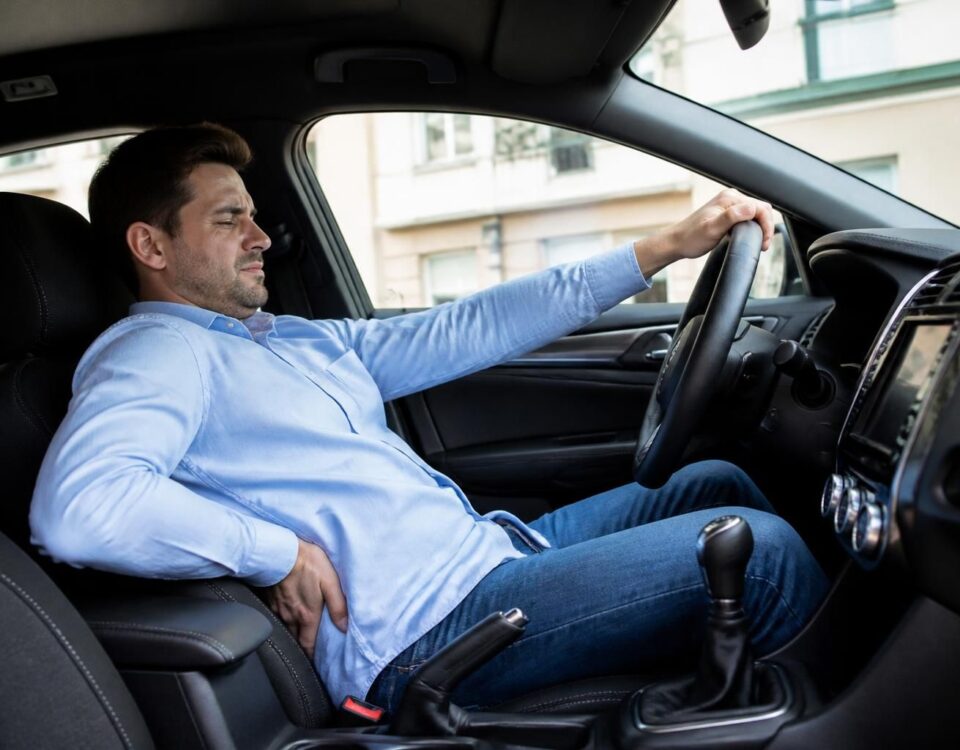
IN BRIEF In brief, sciatica associated with driving is pain that follows the path of the sciatic nerve and can be triggered or amplified by seated position and sudden twists when entering or exiting the car. The main benefits of…

Sciatica and getting out of the car: movement to watch out for
IN BRIEF In brief, managing sciatica when getting out of the car and the movements to monitor is a practical approach to limit pain. What is it? It is a set of gestures and postures that prevent pressure on the…

Sciatica and pain that travels down the leg in a car
IN BRIEF Sciatica and the pain that radiates down the leg when driving is a pain caused by irritation or compression of the sciatic nerve, which intensifies in prolonged sitting in a confined space like a vehicle. It’s a discomfort…
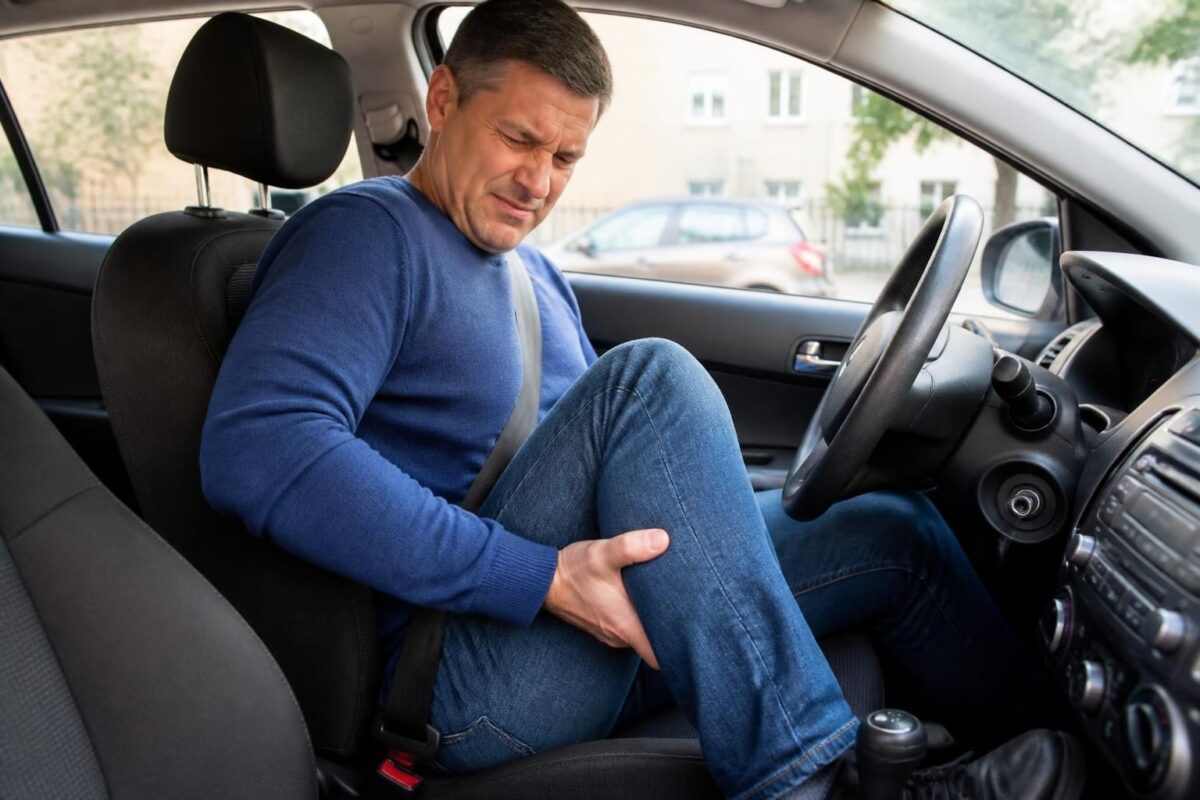
Sciatica and calf pain after driving
IN BRIEF In brief, sciatica and calf pain after driving refer to irritation or compression of the sciatic nerve that can manifest after a trip. This often occurs with prolonged sitting, vibrations, and an inadequate driving posture. Benefits: better comfort…
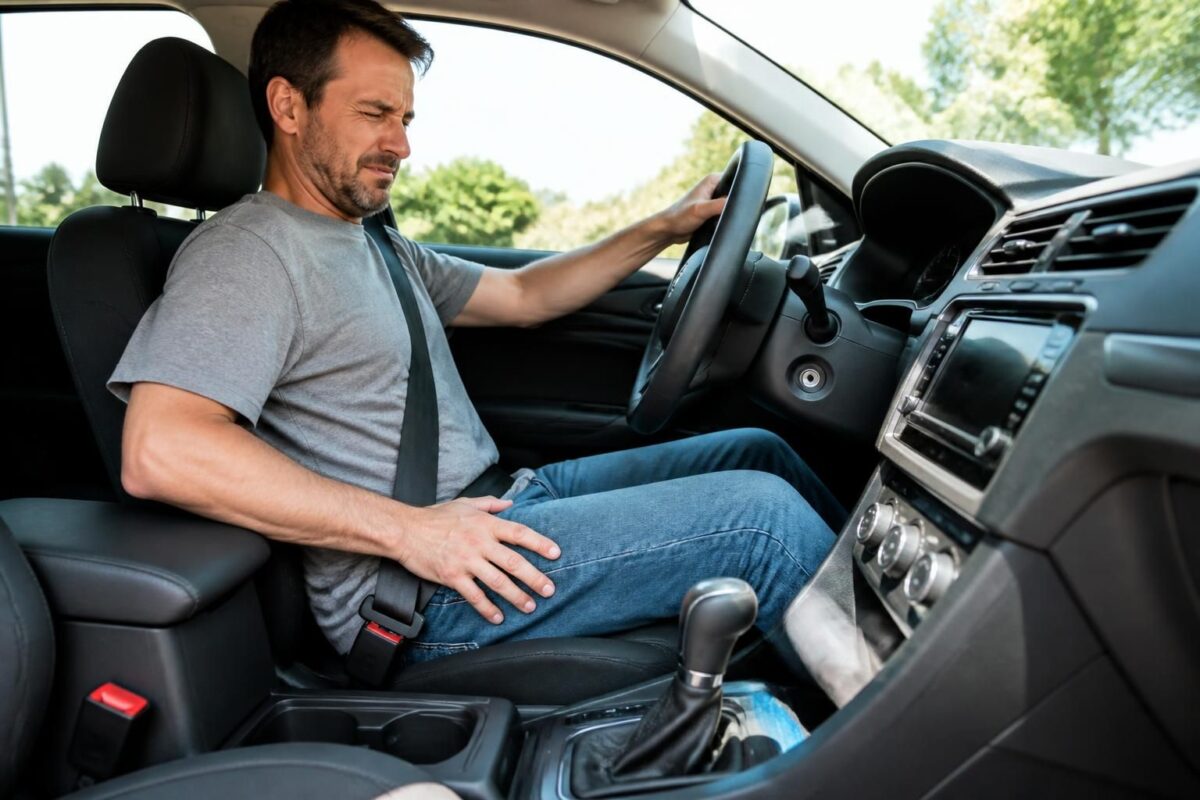
Sciatica and numbness in the foot while driving
IN BRIEF In brief, sciatica and numbness in the foot while driving describe pain and sensations of paresthesia that descend from the lower back to the foot or travel up along the nerve path during car trips. Benefits: a quick…

Dr Sylvain Desforges, B.Sc., D.O., N.D., osteopath, is the founding president of TAGMED and of the ACMA association. He dedicates his practice to chronic spinal pain, low back pain and symptoms compatible with sciatica, particularly when pain radiates toward the buttock, leg, calf, foot or toes.
Through SOS Sciatique, he publishes educational content on sciatica symptoms, possible causes such as disc herniation, disc narrowing, foraminal stenosis or irritation of a lumbar nerve root, as well as non-surgical approaches that may be considered according to the evaluation. At Clinique TAGMED, care may include, depending on the case, motorized neurovertebral decompression, specific osteopathic care or precision percussion.
For an evaluation related to sciatica treatment in Montreal / Mount Royal or sciatica treatment in Terrebonne, please consult the services available at Clinique TAGMED.
Medical disclaimer
The information published on SOS Sciatique is provided for educational purposes only and does not replace a consultation, diagnosis, opinion or treatment provided by a physician or another authorized healthcare professional. The author of this article is neither a medical doctor nor a specialist in a medical specialty recognized by the Collège des médecins du Québec. The osteopathic, manual medicine or functional support approaches described on this site do not constitute medical acts and are not intended to replace medical follow-up.
Consult a physician or emergency service in cases of loss of bladder or bowel control, anesthesia in the saddle area, significant or progressive weakness in the leg or foot, fever, recent trauma, severe pain or rapid worsening of symptoms. For more details, please read our Legal Notice.