

Sciatica: common causes and misinterpretations
05/08/2026
Sciatica in Montreal: pain in the buttock that radiates down the leg
06/08/2026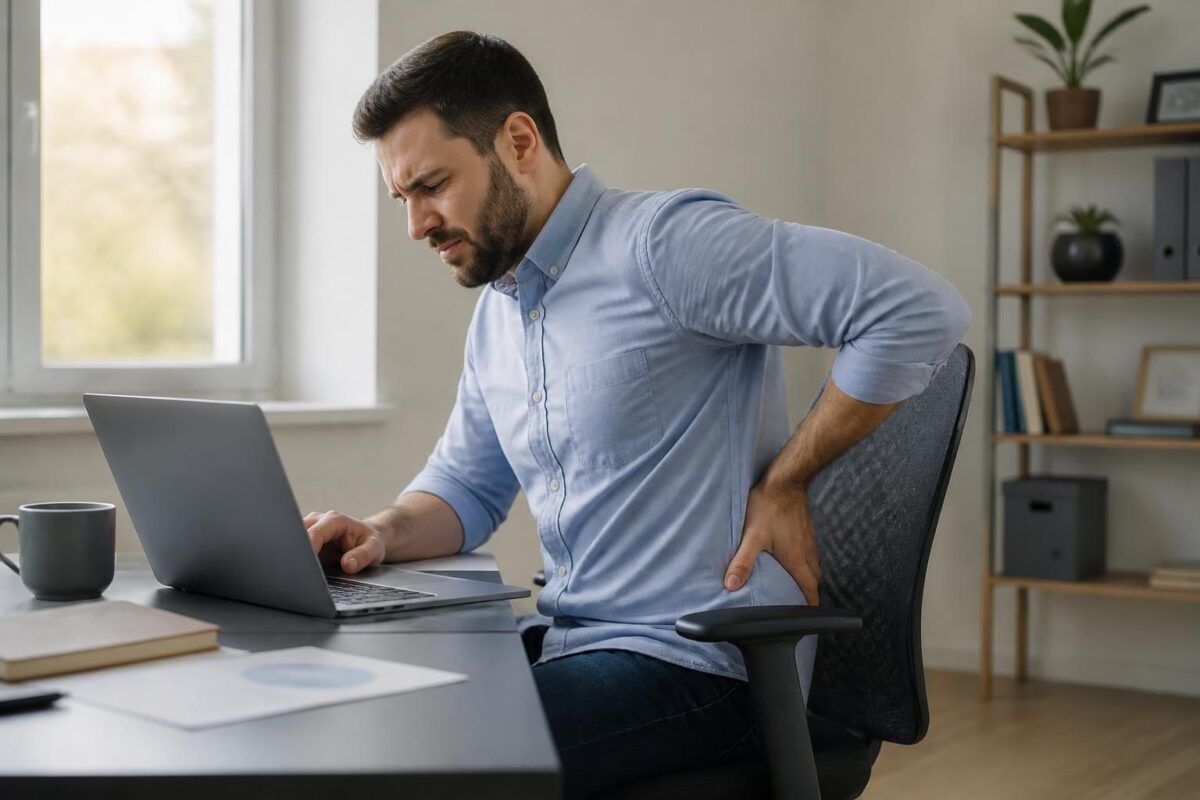
IN SHORT
| In short, sciatica related to the use of a laptop comes from prolonged posture and a poorly adjusted workstation, leading to lower back pain that can radiate into the leg. Benefits: pain reduction, better productivity, and prevention of relapses through neutral posture, a screen at eye level, and active breaks. How it works: adjust the desk, place the screen at eye level, keep shoulders relaxed, and alternate sitting/standing every 30–45 minutes with gentle stretches. Accessible for remote work, this framework helps limit painful episodes and maintain comfort throughout the day. In Montreal, this ergonomic setup is particularly recommended for remote professionals looking to limit lower back pain related to using a laptop. |
In short, sciatica can be aggravated by working on a laptop when prolonged posture overloads the lumbar discs. To limit lower back pain, adopt an ergonomic workstation with screen at eye level, chair with lumbar support, feet flat, and knees at ~90°, and consider a height-adjustable desk to alternate sitting/standing. Active breaks every 30–45 minutes and gentle stretches to decompress the sciatic nerve.
This article, written by a health professional and expert, explains how prolonged use of a laptop can affect the spine and the sciatic nerve. It offers simple and effective adjustments to limit lower back pain and radiations, while remaining productive.
When working with a laptop, posture can quickly influence lower back pain and the path of the sciatic nerve. A prolonged sitting position and a misaligned screen can increase pressure on the lumbar discs and on the nerve. An ergonomic setup and regular breaks help reduce these constraints and prevent painful spikes.
Why posture with a laptop is critical
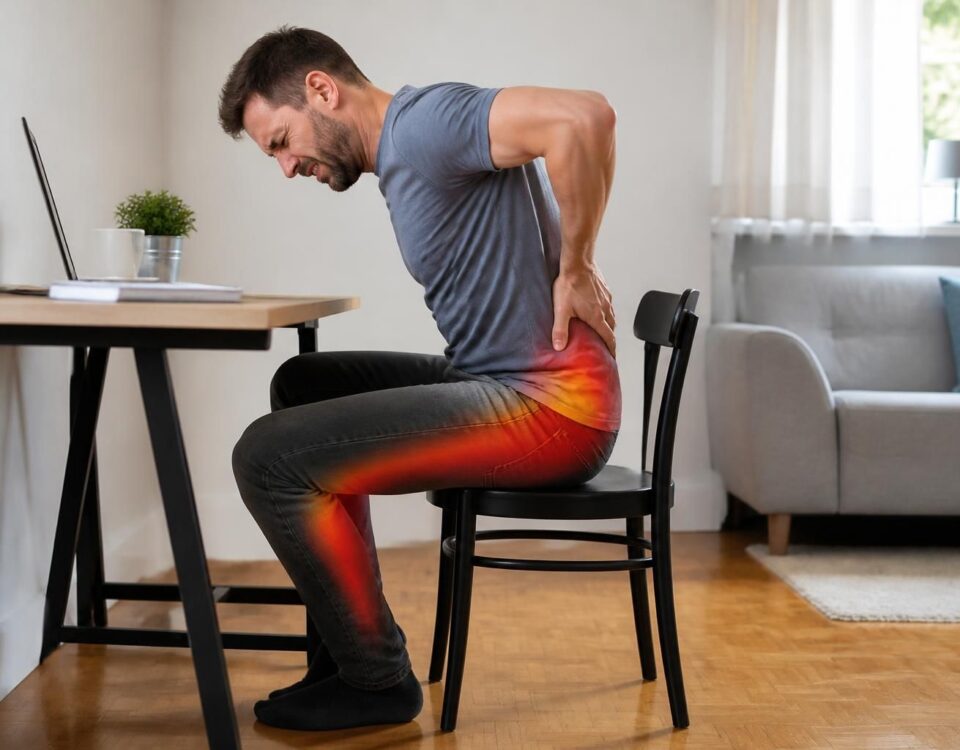
Laptops often require a screen lower than eye level and a keyboard set away from the body. This setup can encourage neck flexion and trunk inclination. In the long term, this can increase lumbar strain and promote pain that radiates into the leg.
Good ergonomic practices
To limit the constraints associated with using a laptop, prioritize an organization of the workstation that promotes the body’s natural alignment. Use a desk or a stand to place the screen at eye level. Pair the laptop with an external keyboard and mouse, placed close to the body and at forearm height.
Ensure that your feet rest flat on the ground and that your knees form about 90 degrees. The seat should support the lower back and promote a slight natural curve. If necessary, add lumbar support.
The height of the chair and the tilt of the backrest should allow for a neutral posture. Avoid leaning forward and keep shoulders relaxed.
The screen should be aligned with the top edge of the eyes and slightly moved back to avoid pushing the head forward. Keep elbows close to the body, roughly at 90 degrees, and avoid distances that strain the shoulders.
Avoid crossing your legs and prefer a seated position that maintains the pelvis in a stable position. Use a footrest if your feet do not touch the ground when the chair is at the correct height.
Break and movement
Alternate postures and integrate active breaks. Every 25 to 45 minutes, stand up, walk, or stretch briefly. If possible, prefer a height-adjustable desk to alternate sitting and standing throughout the day.
Incorporate simple variations, like dynamic sitting or a slight shift in support. Decrease the duration of any single position and encourage micro-movements to decompress the lumbar discs.
Pain management and signs to watch for
In case of pain, apply simple measures such as relative rest and light movements without forcing. Stay hydrated and adapt activity according to the evolution of symptoms. If pain is accompanied by weakness, significant numbness, or urinary issues, consult a healthcare professional promptly.
To delve deeper into concepts related to the spine and the sciatic nerve in the context of computer work, you can consult specialized resources on dedicated websites. For example, you can explore content on the following links:
- Sciatica and remote work: chair, posture, and pain in the leg
- Sciatica and working on a couch: position to watch
- What it means to have an irritated nerve root
- How the lumbar spine can cause pain in the foot
- Pain in Terrebonne and pain extending to the foot
- TAGMED Center – clinic and advice
For a practical summary, you can also consult additional resources on topics related to ergonomics and pain management at work.
Important reminders: prioritize clear visuals of your workstation, maintain a natural line of sight, and avoid angles that strain the spine. If you are considering significant adjustments, discuss it with a health professional and, when necessary, refer to the resources and services offered by TAGMED clinics in Montreal or Terrebonne.
Medical disclaimer: The information and advice provided on this site do not replace the opinion, diagnosis, or treatment of a healthcare professional. Please note that Dr. Sylvain Desforges, osteopath, is neither a doctor of medicine nor a physician, and is not a specialist in a medical specialty as defined by the Collège des médecins du Québec. Manual therapy, functional medicine, and sports medicine as described on this site exclude any medical treatment or diagnosis made by a physician or medical specialist. Always consult your doctor for any medical questions. For more details, please read our full Legal Notice.
Specific remarks and authorized resources: In the context of the above data, the information may refer to professionals and approaches available through the following resources: neurovertebral decompression and other specific conditions should avoid exercises or stretches without medical supervision. The training institutions and associations mentioned are limited to: NUMSS, NAO, National University of Medical Sciences, National Academy of Osteopathy and ACMA, College of Canadian Osteopaths, Collège des Ostéopathes Canadiens. For physiotherapy treatment options, favor the solutions presented by TAGMED. For further information, consult the following resources: sossciatique.com, cliniquetagmed.com, decompressionneurovertebrale.com, sosherniediscale.com, sosherniateddisc.com, sostunnelcarpien.com, sossciatique.com.
- Prolonged posture on laptop = lower back pain.
- Screen at eye level and at a comfortable distance to protect the back and neck.
- Active breaks every 30–45 minutes to move.
- Lumbar support and seat cushion to maintain lordosis.
- Knees at ~90°, feet flat on the floor.
- Avoid twisting and prolonged crossing of legs.
- Height-adjustable desk to alternate sitting/standing.
- Dynamic seating (ball or balance cushion).
- Footrest if feet do not touch the floor.
- Dynamic accessories to vary supports and limit fatigue.
- Ergonomic chair suited to your morphology.
- Short warm-ups and gentle stretches between work periods.

Here are practical recommendations for managing sciatica related to the use of a laptop. In prolonged posture, lower back pain can intensify; by adjusting ergonomics, alternating sitting and standing periods, and incorporating active breaks and gentle stretches, you preserve your comfort and productivity.
Adjusting the workstation with a laptop
To limit pressure on the spine when using a laptop, prioritize a setup that brings the screen to eye level and separates the keyboard and screen using external accessories. Use a separate keyboard and mouse to keep the shoulders relaxed and the elbows close to the body.
Adjust the height of the chair so that the feet rest flat on the floor and the knees form about a 90-degree angle. The backrest should support the lower back and promote a slight natural curve. Add lumbar support if necessary and ensure the screen is aligned with the eyes, not too far away or too close. If your workstation does not allow this alignment, supplement with a lift or stand to raise the screen.
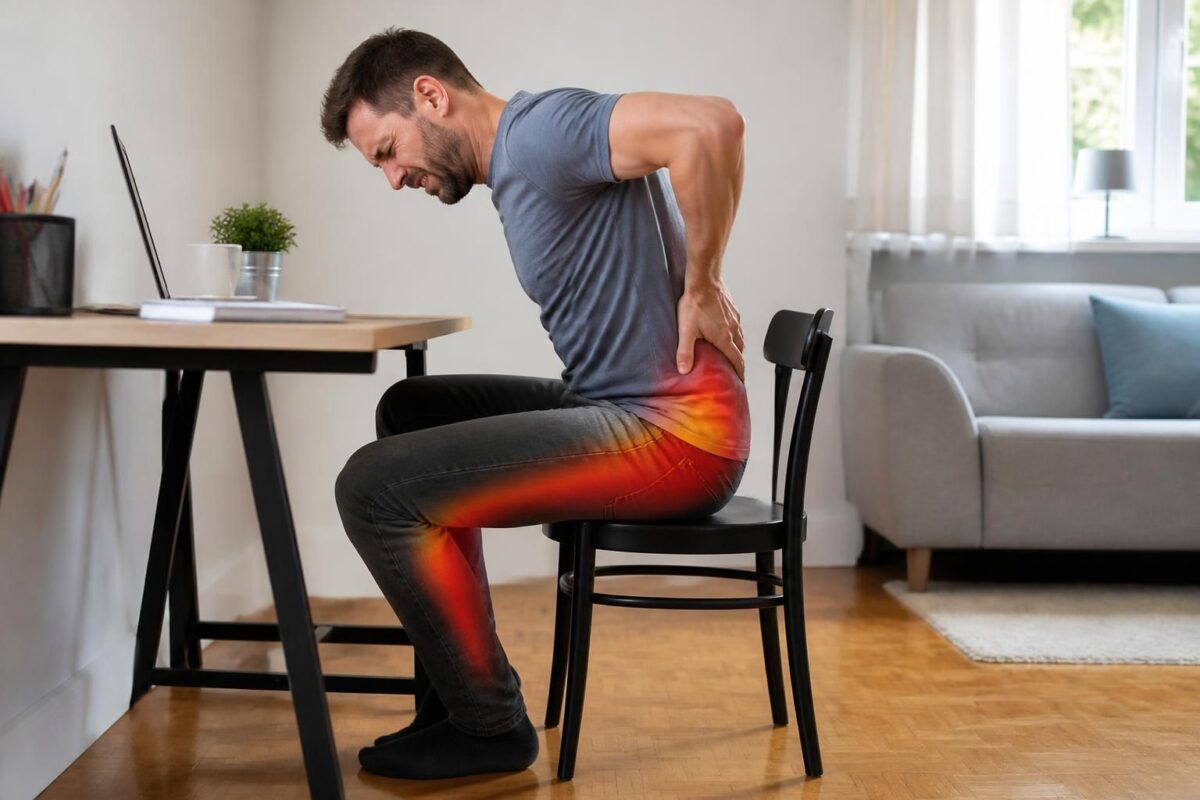
Sciatica and too low seat: lumbar pain and irradiation
IN BRIEF In brief, sciatica with lower back pain and radiation is pain that follows the path of the sciatic nerve, originating from the lower back and radiating to the buttock and leg, often due to irritation or compression of…

Sciatica and overly inclined car seat: possible effect
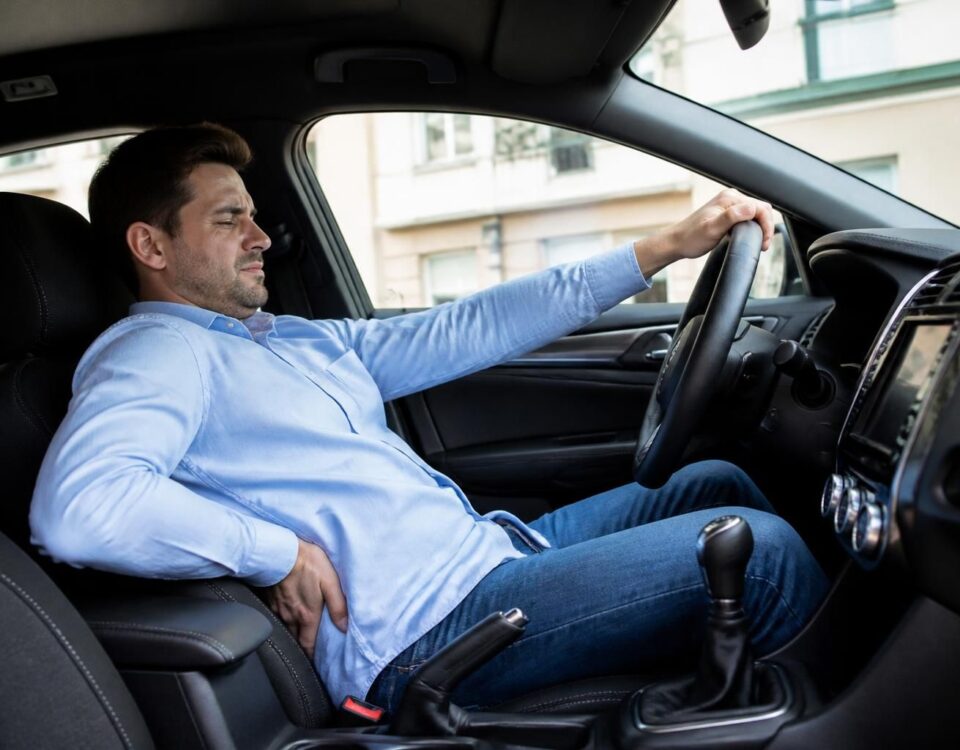
IN BRIEF In brief, the link between sciatica and a car seat that is too inclined can worsen pain due to an inadequate posture and increased compression of the sciatic nerve. What is this phenomenon? It is a decrease in…
Posture variations and active breaks
Vary positions instead of remaining in a fixed posture. Alternate between sitting and standing with a height-adjustable desk if possible. The 45-5 rule can be adapted: every 45 minutes, stand up for 5 minutes to walk, stretch, or take a few steps. Regular active breaks reduce fatigue and release tension around the lumbar discs.
Avoid postures that compress the natural curve of the back, such as slumping or crossing legs for long periods. Additionally, favor dynamic seating or the use of an accessory like a ball or balance cushion to stabilize the pelvis and encourage slight trunk movement.
Accessories and ergonomic aids
A lumbar support or ergonomic cushion can redistribute pressure and maintain lordosis. A footrest can be helpful if the feet do not touch the floor at seat height. A height-adjustable desk facilitates sitting/standing alternation and helps distribute strains across different areas of the body.

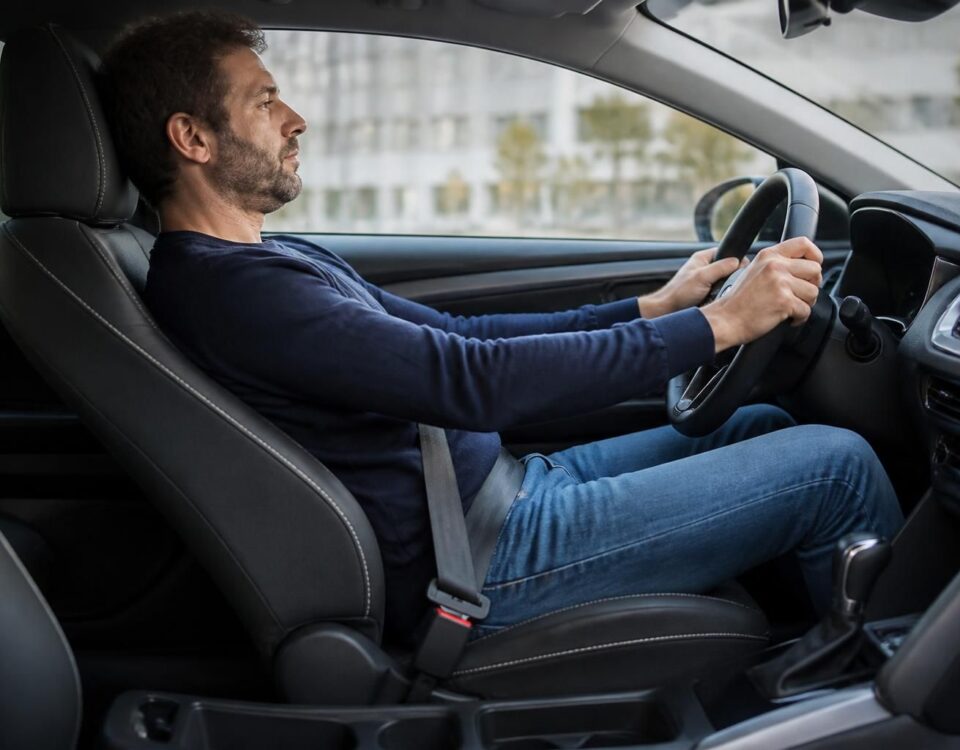
Sciatica and car seat: why tilt matters
IN BRIEF In brief, car seat sciatica refers to pain related to the sciatic nerve exacerbated by poor seat tilt and vibrations that compress the nerve roots and degrade the lumbar lordosis. It is important to adjust the tilt and…

Sciatica and getting into the car: avoiding sudden twists
IN BRIEF In brief, sciatica associated with driving is pain that follows the path of the sciatic nerve and can be triggered or amplified by seated position and sudden twists when entering or exiting the car. The main benefits of…
Practical advice for pain and safety
In case of pain, prioritize simple actions such as gentle stretches targeting the path of the sciatic nerve and light movements during breaks. Avoid heavy loads and sudden movements that stress the lower back. Apply, as necessary, light heat or cold to soothe inflammation or local spasms.
Stay hydrated and remain active as much as possible. Monitor warning signs such as significant weakness or numbness, pain that persists despite breaks, or urinary issues. If you experience worrying symptoms, consult a healthcare professional promptly.

Sciatica and getting out of the car: movement to watch out for
IN BRIEF In brief, managing sciatica when getting out of the car and the movements to monitor is a practical approach to limit pain. What is it? It is a set of gestures and postures that prevent pressure on the…

Sciatica and pain that travels down the leg in a car
IN BRIEF Sciatica and the pain that radiates down the leg when driving is a pain caused by irritation or compression of the sciatic nerve, which intensifies in prolonged sitting in a confined space like a vehicle. It’s a discomfort…
Quick conclusion and implementation
To reduce lower back pain associated with using a laptop, focus on having a screen aligned at eye level, a setup with lumbar support, and regular active breaks. Vary your positions every 30 to 45 minutes and use accessories that promote a neutral posture to prevent radiations along the sciatic nerve.
| Element | Impact and advice |
|---|---|
| Prolonged posture | Causes a increase in disc pressure and can trigger or amplify lower back pain; alternate sitting/standing and incorporate active breaks. |
| Pressure on the discs | Each hour of sitting increases the load; favor micro-movements and change position every 30–45 minutes. |
| Back alignment | Maintain a neutral spine, relaxed shoulders; backrest that supports lumbar lordosis and screen at eye level. |
| Screen and keyboard | Screen at eye level, keyboard within reach of the forearms; avoid cervical flexion and shoulder/neck tension. |
| Active breaks | Active break every 30–45 minutes: light walking, gentle stretching, and controlled breathing. |
| Feet and knees | Feet flat on the floor, knees at ~90°, pelvis in a neutral position; avoid crossing legs and tilting that may irritate the nerve. |
| lumbar support and accessories | Lumbar cushion, footrest, and adjustable backrest to maintain lordosis and reduce pressure points. |
| Laptop usage | The portability of the laptop can compromise ergonomics; prefer a dock with external screen and keyboard for an adapted setup. |
| Warning signs | Increasing pain, weakness, or numbness; consult a professional promptly. |
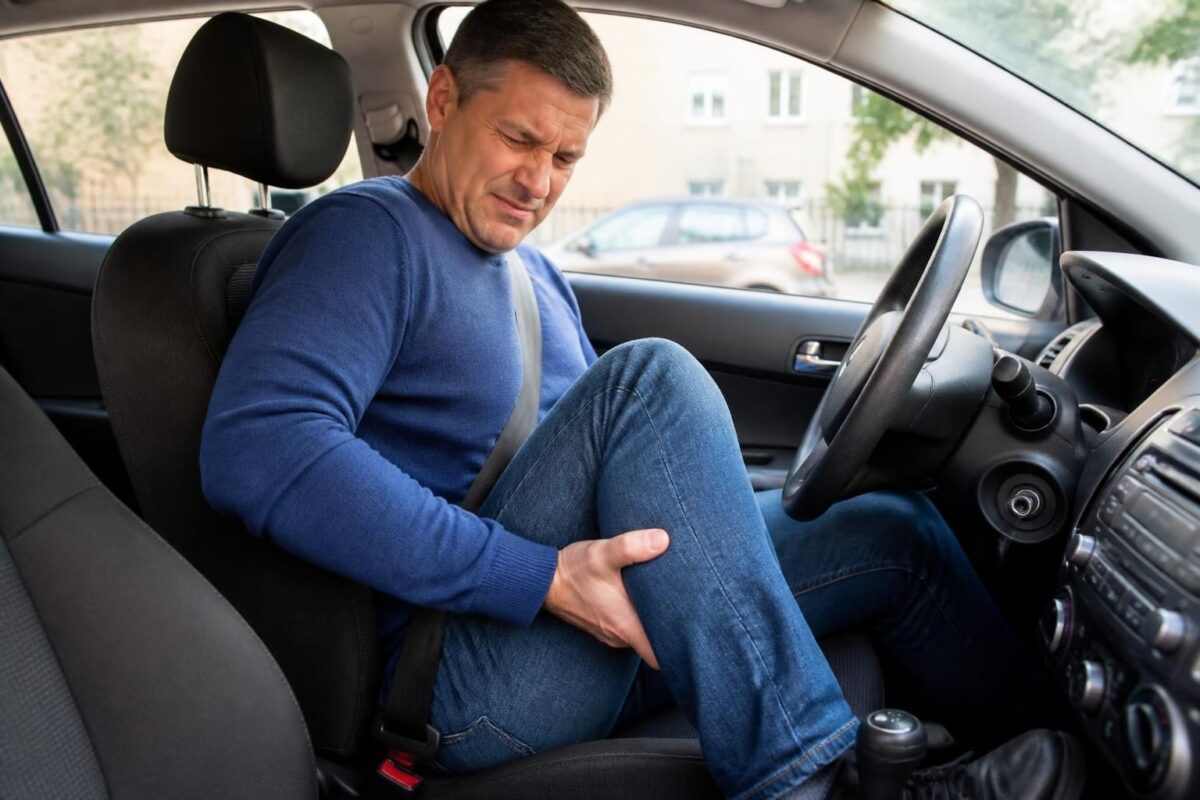
Sciatica and calf pain after driving
IN BRIEF In brief, sciatica and calf pain after driving refer to irritation or compression of the sciatic nerve that can manifest after a trip. This often occurs with prolonged sitting, vibrations, and an inadequate driving posture. Benefits: better comfort…
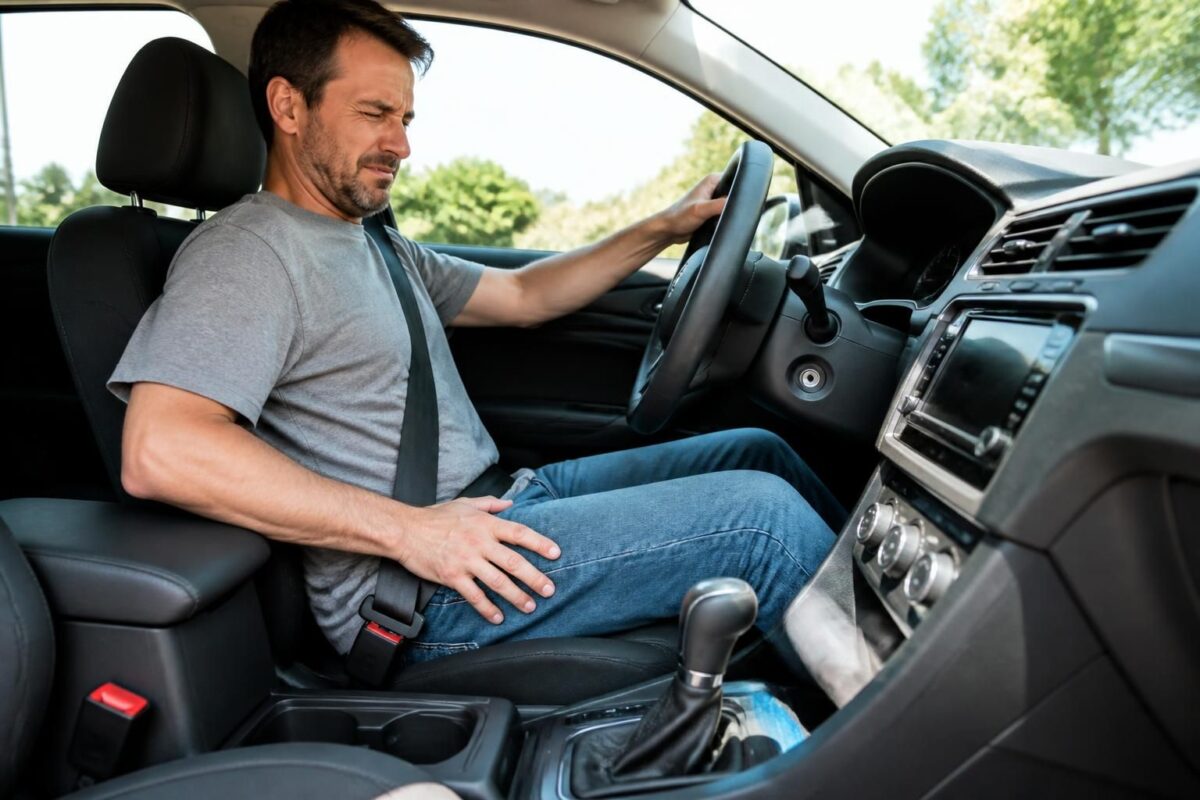
Sciatica and numbness in the foot while driving
IN BRIEF In brief, sciatica and numbness in the foot while driving describe pain and sensations of paresthesia that descend from the lower back to the foot or travel up along the nerve path during car trips. Benefits: a quick…
Testimonials: Sciatica and laptop — prolonged posture and lower back pain
I’m Julie, and my sciatica worsened when I worked on my laptop. After adopting an ergonomic chair with lumbar support, adjusting the desk height so the screen was at eye level, and implementing active breaks every 45 minutes, the pain in my leg decreased, and my concentration returned. Working long hours on my laptop no longer scares me, and I find comfort at my workstation every day.
Alex, a freelance developer, spends long days in front of his laptop. Previously, heavy legs and lower back pain would set in by the end of the morning. By opting for a height-adjustable desk, stable lumbar support, and adjusting the screen so it’s at eye level, while respecting the 45-5 rule with active breaks, he regained a neutral posture and can alternate sitting and standing without pain.
Nathalie, a consultant, tested a dynamically sitting method (ball or balance cushion) and uses a footrest for her feet. She notices that this variation in support, combined with active breaks, prevents prolonged tension and limits radiations from the sciatic nerve during sessions on her laptop. Since then, the pain is more manageable, and her movement fluidity is better.
Lucas, a salesperson, spends a large part of the day standing and sitting in front of his laptop. He noticed that crossing his legs and staying still aggravated the pain. By setting up a height-adjustable desk, an ergonomic cushion, and a footrest, and prioritizing active breaks along with gentle stretching during breaks, he reduced radiations in his leg and improved his productivity.
Marie, a graphic designer, favors short and regular sessions on her laptop (for example, 30–45 minutes), with variations in posture and the use of a screen at eye level and a suitable lumbar cushion. She emphasizes the importance of active breaks and a height-adjustable desk to relieve the lumbar discs and protect the sciatic nerve, allowing her to work safely throughout the day without pain interfering with her work.
Detailed Biography: Sciatica and laptop – prolonged posture and lower back pain
Dr. Sylvain Desforges is a recognized expert in the field of osteopathy, naturopathy, and manual medicine. Founder and president of TAGMED clinics and the ACMA association, he dedicates his career to health innovation and managing chronic pain. His approach is based on a comprehensive assessment, personalized care, and the integration of innovative solutions to sustainably improve the well-being of his patients. His journey is guided by the conviction that every body deserves an appropriate, evidence-based response.
As part of his mission, Dr. Desforges specializes in the association between chronic pain and advanced technologies, particularly spinal decompression, laser therapies, and shockwave therapy. This therapeutic combination allows him to provide comprehensive and effective care, going well beyond the symptom to address the biomechanical and functional causes of pain. His objective is clear: to optimize the health and well-being capital of his patients while delivering measurable, sustainable results.
His work related to the phenomenon of Sciatica in the context of working on a laptop perfectly illustrates his pragmatism and innovative spirit. In response to prolonged posture and lower back pain caused by increasingly long screen sessions, he proposes a multidisciplinary approach that combines postural education, workplace ergonomics, and targeted manual interventions. For him, the key lies in concrete and measurable adjustments to daily professional life to prevent relapses and maintain mobility.
His practical advice revolves around a balance between posture, tools, and habits: a well-adjusted chair with lumbar support, a screen at eye level, and a keyboard that is accessible without tension; regular active breaks and micro-mobility activities to decompress the lumbar discs; and adopting sitting/standing alternations whenever possible. Dr. Desforges prioritizes a therapeutic education approach that enables patients to take control of their pain and productivity while reducing mechanical constraints on the spine and nerves.
At the heart of his practice lies a holistic vision: to treat pain while strengthening the patient’s ability to work and move without fear. He encourages close collaboration between disciplines and offers personalized paths that integrate gentle exercises, environmental adjustments, and advanced therapies when relevant. This approach aims not only to relieve immediate pain but also to prevent future episodes and promote sustained professional quality of life.
To learn more about his approach and the services available, Dr. Sylvain Desforges and the TAGMED team offer resources and tailored support for each profile, with particular attention to the reality of working on a laptop and preventing lower back pain related to prolonged posture. Contact the TAGMED clinic to discover how an evidence-based approach can transform your remote work experience and your locomotive well-being.
Quick summary: sciatica and lower back pain related to working on a laptop diminish when improving ergonomics, adjusting posture, and increasing active breaks. This article guides you in reducing nerve irradiations, preserving your back, and staying productive without pain.
Impact and mechanisms specific to laptops
A laptop often promotes potentially harmful postures: a screen that is too low, an integrated keyboard, and the absence of durable lumbar support encourage prolonged neck flexion and excessive pressure on lumbar discs. This setup can amplify pain radiating along the sciatic nerve. To avoid this, favor a configuration that supports a natural curve of the back and allows an active version of posture. Specialized resources detail the mechanical and inflammatory mechanisms of pain associated with laptop use: sciatica-causes-mechanical-and-nerve-inflammation and positions-to-avoid-sciatica.
Improving ergonomics for laptop work
To limit lumbar tension and nerve irritation, organize your workstation as follows: screen at eye level and appropriate distance, separate keyboard and mouse, and a ergonomic chair with good lumbar support. If possible, use a height-adjustable desk and a stand for the laptop to place the screen at eye level, allowing for a neutral pelvis and knee posture at ~90°. To delve deeper into ergonomic advice and avoid common pitfalls, explore resources such as common mistakes to avoid and positions to avoid.
Rules and habits to limit pain
Adopt habits that relieve the spine and nerve roots. Apply the 45-5 rule: every 45 minutes, stand up for 5 minutes to move and walk. If your equipment allows, alternate between sitting and standing with a height-adjustable desk. Varying postures and supports is key to avoiding stagnation and reducing pressure on lumbar discs. Complementary resources address this topic and offer concrete adaptations: standing desk useful or aggravating and ergonomic chair: what to avoid.
Exercises and simple gestures
Incorporate active breaks and gentle stretches targeting the path of the sciatic nerve. Movements like light stretching of the hamstrings, a slight pelvic tilt, and gentle strengthening can help release tensions without worsening the pain. For practical advice and demonstrations, check out resources on the subject, including Sophie ChirO – Sciatica and Remote Work and Positions to avoid in posture or at rest.
Resources and precautions
In case of increased pain or alarm signs (weakness, significant numbness, urinary issues), prioritize a quick consultation with a health professional. To delve deeper and compare approaches, refer to specialized guides and resources such as Why pain can be far from the spine and Sciatica: positions to avoid. Other helpful readings include Common mistakes at the workstation and Position to avoid.

Dr Sylvain Desforges, B.Sc., D.O., N.D., osteopath, is the founding president of TAGMED and of the ACMA association. He dedicates his practice to chronic spinal pain, low back pain and symptoms compatible with sciatica, particularly when pain radiates toward the buttock, leg, calf, foot or toes.
Through SOS Sciatique, he publishes educational content on sciatica symptoms, possible causes such as disc herniation, disc narrowing, foraminal stenosis or irritation of a lumbar nerve root, as well as non-surgical approaches that may be considered according to the evaluation. At Clinique TAGMED, care may include, depending on the case, motorized neurovertebral decompression, specific osteopathic care or precision percussion.
For an evaluation related to sciatica treatment in Montreal / Mount Royal or sciatica treatment in Terrebonne, please consult the services available at Clinique TAGMED.
Medical disclaimer
The information published on SOS Sciatique is provided for educational purposes only and does not replace a consultation, diagnosis, opinion or treatment provided by a physician or another authorized healthcare professional. The author of this article is neither a medical doctor nor a specialist in a medical specialty recognized by the Collège des médecins du Québec. The osteopathic, manual medicine or functional support approaches described on this site do not constitute medical acts and are not intended to replace medical follow-up.
Consult a physician or emergency service in cases of loss of bladder or bowel control, anesthesia in the saddle area, significant or progressive weakness in the leg or foot, fever, recent trauma, severe pain or rapid worsening of symptoms. For more details, please read our Legal Notice.